The people registry and deponents
People, their deponent details and qualifications, and what deleting a person does.
How-to
The people registry, under Controlled Terms in Platform Management, is the list of every person the platform knows about: account holders, and people who have no account but appear on records or swear statements. It matters most for forensic statements, because a statement's deponent section is printed entirely from the person's registry entry. This page explains what a person record is, what it holds, who maintains it, and the one deletion that administrators should avoid.
People and accounts
A person and an account are different things. Every account is attached to one person record, which holds the name, contact details and deponent details behind it. A person need not have an account at all: a field collector who swears a Sample Collection Statement but never signs in is a person in the registry and nothing more.
A person becomes a deponent when the deponent flag on their record is set. Only flagged people can be chosen as the deponent of a statement, and only account holders who are flagged can be chosen as a statement's reviewer. See Statements and deponents for how the roles fit together.
What a person record holds
| Group | Fields |
|---|---|
| Identity | Full Name (required), Email, ID Number, Date of Birth, Gender, Address |
| Position | Job Title, Employer Name, Employer Type, Employer Phone, Employer Address, Appointment Date |
| Qualifications | Qualification Statements, one per line, and Qualifications Last Updated |
| Status | This person is a deponent |
The qualification statements are what a statement prints as the deponent's numbered list of qualifications and experience: each line becomes one numbered item, in the order entered. Age is never stored; a statement works it out from the date of birth on the day the statement is made.
Who edits a person
- Users edit themselves. An account holder maintains their own record from the User Profile dialog: name, address, institution, email and job title on the Details tab, and the deponent fields on the Deponent tab once they have ticked List me as a statement deponent. See Your account.
- Administrators edit anyone. From the registry you add people, edit any field of any person including the deponent flag, and look after people who have no account to edit themselves with.
Both routes write to the same record, so a change made in either place is seen in the other.
Find a person
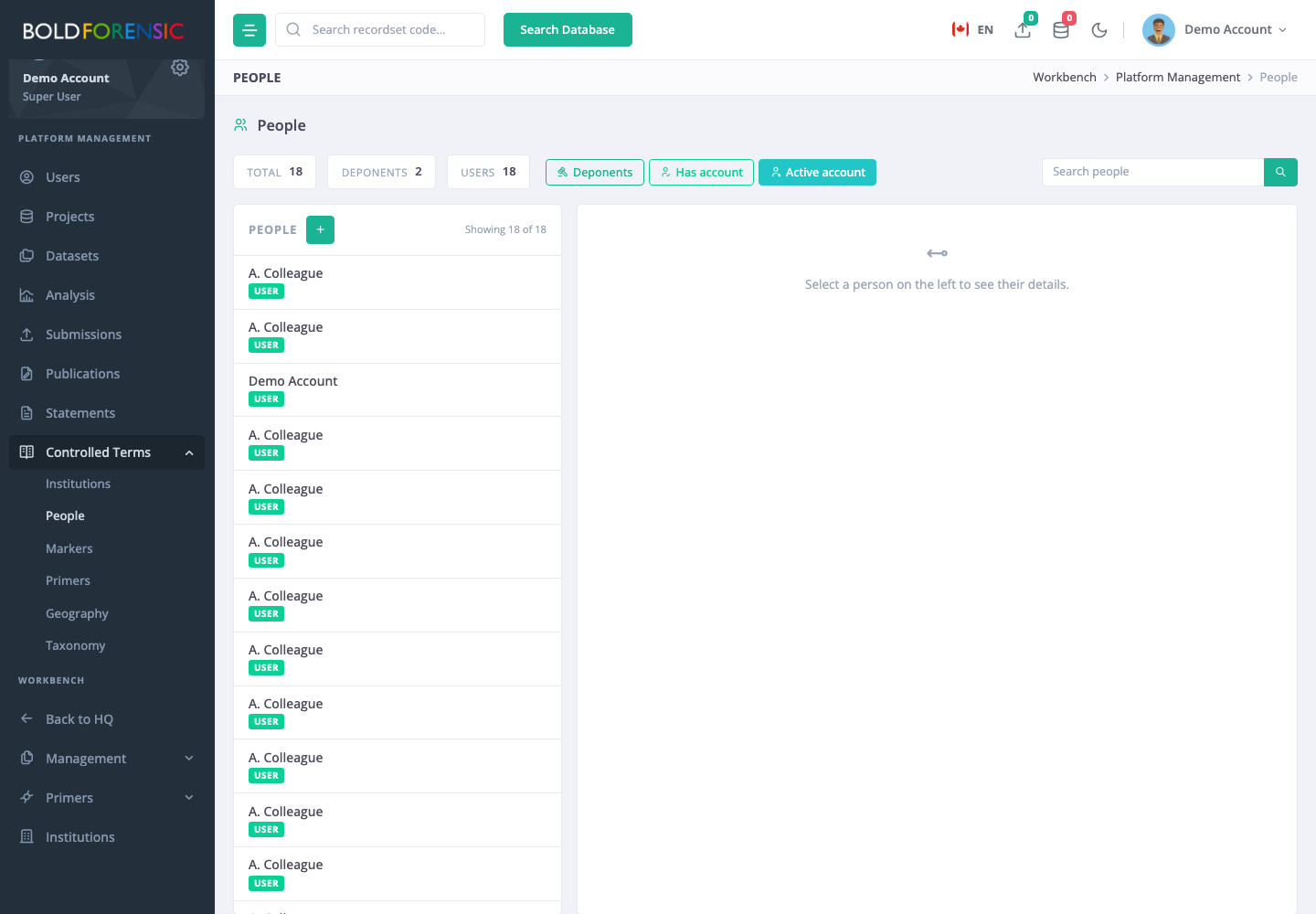
The registry opens with the Active account filter switched on, which shows only people who hold a live account. Deponents without accounts are hidden until you switch that filter off. The other filters are Deponents and Has account; the three combine. Search matches name, ID number and email. The counts above the list show the total number of people, how many are deponents and how many have accounts. A search returns at most 500 people, so narrow it if a name does not appear.
Add or edit a person
- Choose the + button to add a person, or open a person from the list and edit.
- Fill in the fields above. Full Name is the only required field; when adding, the deponent box is ticked by default because most people added here are deponents.
- Save.
Adding a person here does not create an account. If the person also needs to sign in, invite them separately (Inviting a new user); their registration creates its own person record, so edit that one rather than keeping two.
Complete the record before a statement is drawn
When a statement is submitted for review, the deponent's details are copied into a snapshot and every later rendering of the document (the approved PDF, the Word copy) is built from that snapshot. Editing the person afterwards changes nothing in an existing statement; the preparer has to withdraw it and generate a new one. A field that is empty when the statement is made prints as empty.
Before anyone draws a statement in a person's name, make sure the identity fields, employer details, appointment date and qualification statements are present and current, and that the deponent flag is set. The statement form shows only a one-line summary of the deponent, so gaps are easy to miss there.
Delete a person
Deletion is refused when the person is linked to an account, and when records still refer to them.
Good to know: Deletion is not refused when the person is the deponent of statements. Every statement naming them as deponent, whatever its state, is deleted along with the person, without warning and without any way to recover it, even though the confirmation dialog says the deletion will be rejected. Before deleting anyone, open Statements and search for their name. If any statement lists them, do not delete the person; clear the deponent flag instead, which keeps the statements and stops the person being chosen again.
Good to know
Good to know: Any signed-in user can choose any flagged deponent when preparing a statement, and the deponent is not notified. Flag only people who have agreed to act as deponents, and clear the flag when they stop.